
At a Glance
FindLaw in Short
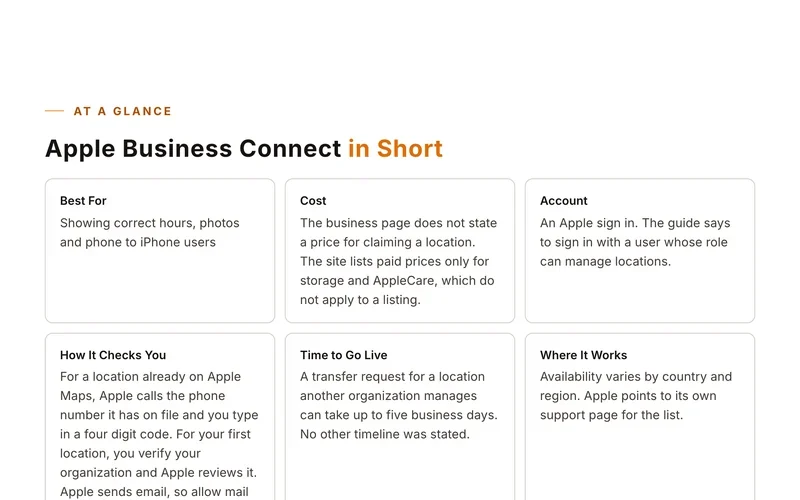
Best ForLawyers and law firms
CostA basic listing is free and lets you update name, address, phone, fax, email and practice areas. Enhanced profiles with more sections cost money, and FindLaw does not publish the price on the pages seen.
AccountA FindLaw Profile Update account
How It Checks YouThe help page says to confirm your claimed profile shows on the Manage Your Profiles page. It does not describe a call or postcard.
Before You Start
What to Have Ready
- Your full name as a lawyer
- Firm name, address, phone and email
- Practice areas
Step by Step
Set Up Your Listing
- Go to the Profile Update site and click Register if you do not have an account.
- Log in and finish the security steps.
- On the Claim a Profile to Update page, select Attorney and click Continue.
- Enter your first and last name, and add a city, state or country to narrow the search.
- Click Find.
- Review the list and click a name to see details.
- Click Claim next to your profile.
- Confirm the profile now shows on the Manage Your Profiles page.
Sites move their buttons around. If a screen looks different, look for words like add, claim or list your business.
Good to Know
Tips for This Site
- Sole practitioners can pick the sole practitioner profile to edit both firm and personal information.
- Choose the bold main office profile if you want rights to all branch and individual profiles.
- If you are not listed, the help center has an Adding a Profile topic. Support is 1 800 455 4565 option 2.
Keep Going
More Places to Get Listed
Where we read this.
Start Here
Have Us Do It
Name, number and what you need. A real person reads it and replies, usually the same day.
Rather talk now? (562) 568-8305 Mon to Fri, 8am to 5pm Pacific
Rather Not Do It Yourself?
We build citations and hand you every live link. Tell us about your business and we will take it from there.