
At a Glance
Foursquare in Short
Best ForGetting a place listing that feeds other apps
AccountA Foursquare business account to claim or create a place
How It Checks YouFoursquare asks you to confirm your identity and role in a form. Older third party guides mention an automated phone call or a mailed postcard.
Before You Start
What to Have Ready
- Business name, address and phone number
- Website address
- Your role at the business
Step by Step
Set Up Your Listing
- Open the Foursquare business portal and search for your business.
- If it shows, click Claim on your listing.
- If it does not show, click the Create a listing link in the search results.
- Complete the form that confirms your identity and your role at the business.
- Finish the verification Foursquare asks for.
Sites move their buttons around. If a screen looks different, look for words like add, claim or list your business.
Good to Know
Tips for This Site
- If another person already claimed the listing, Foursquare tells you right away when you try.
- Search first so you do not make a duplicate place.
- Check the cost shown on screen before you pay anything, since sources disagree.
Keep Going
More Places to Get Listed
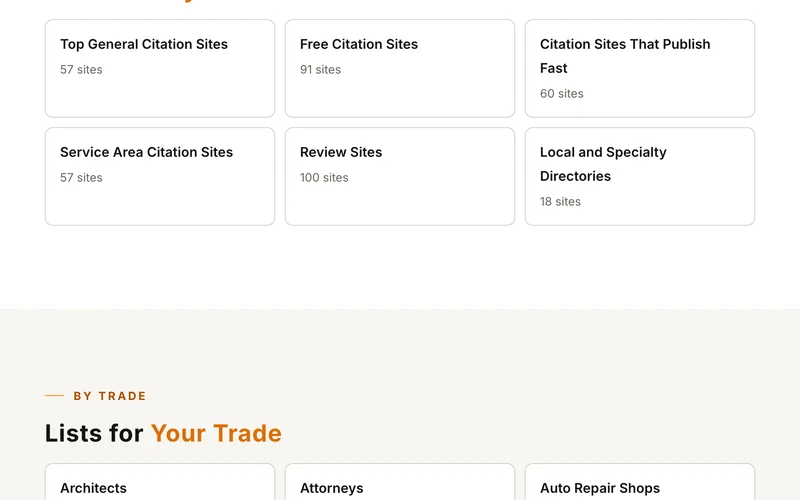
Top General Citation SitesSee this listFree Citation SitesSee this listCitation Sites That Publish FastSee this listReview SitesSee this list
Where we read this.
Start Here
Have Us Do It
Name, number and what you need. A real person reads it and replies, usually the same day.
Rather talk now? (562) 568-8305 Mon to Fri, 8am to 5pm Pacific
Rather Not Do It Yourself?
We build citations and hand you every live link. Tell us about your business and we will take it from there.