
At a Glance
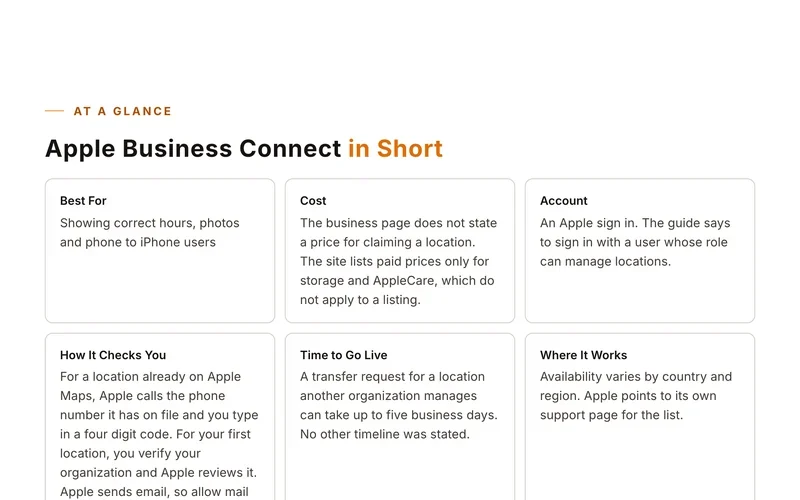
Home Owner Ideas in Short
Best ForContractors and home service trades
CostListed as free and paid. No prices were found, and the advertising page returned not found.
AccountLikely a free registered login on the site, since the page shows Login and Register links
No StorefrontNo
Where It WorksThe directory lists US states.
Before You Start
What to Have Ready
- Business name, address, phone and website
- Your trade category
- Short description of your services
Step by Step
Set Up Your Listing
- Open the add listing page on the Home Owner Ideas directory.
- Choose Register or Login if the site asks for an account.
- Pick the category that matches your trade, such as Roofing or Plumbing.
- Pick your state.
- Fill in the listing form with your business details.
Sites move their buttons around. If a screen looks different, look for words like add, claim or list your business.
Good to Know
Tips for This Site
- Pick the single closest category.
- Look for your business in the directory first so you do not add a duplicate.
Keep Going
More Places to Get Listed
Where we read this.
Start Here
Have Us Do It
Name, number and what you need. A real person reads it and replies, usually the same day.
Rather talk now? (562) 568-8305 Mon to Fri, 8am to 5pm Pacific
Rather Not Do It Yourself?
We build citations and hand you every live link. Tell us about your business and we will take it from there.