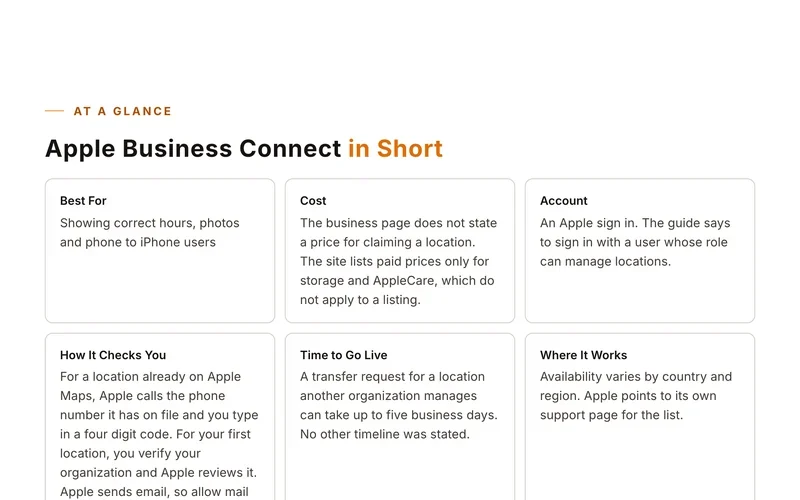

At a Glance
MapQuest in Short
Best ForSeeing where your business is missing or wrong online
CostThe scan is free. The page shows no prices for claiming or managing listings. Third party sources describe paid plans but disagree on the price.
AccountNone stated before the scan
Before You Start
What to Have Ready
- Business name
- Business phone number
Step by Step
Set Up Your Listing
- Go to the MapQuest listings claim page.
- Choose your business type. The choices are One Location, Multi Location or Marketing Agency.
- Enter your business name, business phone number and your first and last name.
- Run the free scan.
- Review what the scan says is missing or wrong across 50 or more services.
- Follow the last step, which is called Fix. The page does not say what Fix involves.
Sites move their buttons around. If a screen looks different, look for words like add, claim or list your business.
Good to Know
Tips for This Site
- You can also sign up by phone at 1 888 444 2988, Monday to Friday 9am to 5pm ET.
- Expect to be offered paid plans for the fix step, and read the price before you agree.
Keep Going
More Places to Get Listed
Where we read this.
Start Here
Have Us Do It
Name, number and what you need. A real person reads it and replies, usually the same day.
Rather talk now? (562) 568-8305 Mon to Fri, 8am to 5pm Pacific
Rather Not Do It Yourself?
We build citations and hand you every live link. Tell us about your business and we will take it from there.