
At a Glance
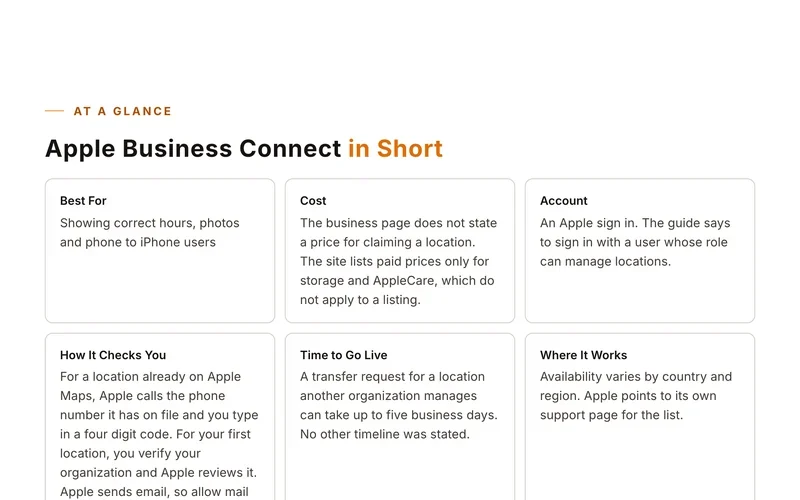
Superpages in Short
Best ForAny United States local business
CostSuperpages calls the listing free.
AccountUnknown
Before You Start
What to Have Ready
- Your exact business name and address
- The phone number you want shown
- Your hours, services and website address
- Photos and any special offers you want to add
Step by Step
Set Up Your Listing
- Go to the Superpages home page and find the Claim Your Listing button.
- You land on the Yellow Pages claim form. That is normal, since the Superpages button points there.
- Type your business name and address under Pick your business location.
- Pick your business from the results.
- If you cannot find your business, use the click here link on that page or call 1-866-794-0889.
- Fill out your profile and match your details to your other listings.
Sites move their buttons around. If a screen looks different, look for words like add, claim or list your business.
Good to Know
Tips for This Site
- If you already claimed on Yellow Pages, search Superpages to see how your listing shows before you do anything else.
Keep Going
More Places to Get Listed
Where we read this.
Start Here
Have Us Do It
Name, number and what you need. A real person reads it and replies, usually the same day.
Rather talk now? (562) 568-8305 Mon to Fri, 8am to 5pm Pacific
Rather Not Do It Yourself?
We build citations and hand you every live link. Tell us about your business and we will take it from there.